Focus your audience's attention. Since 2010
Screen Annotation Pen

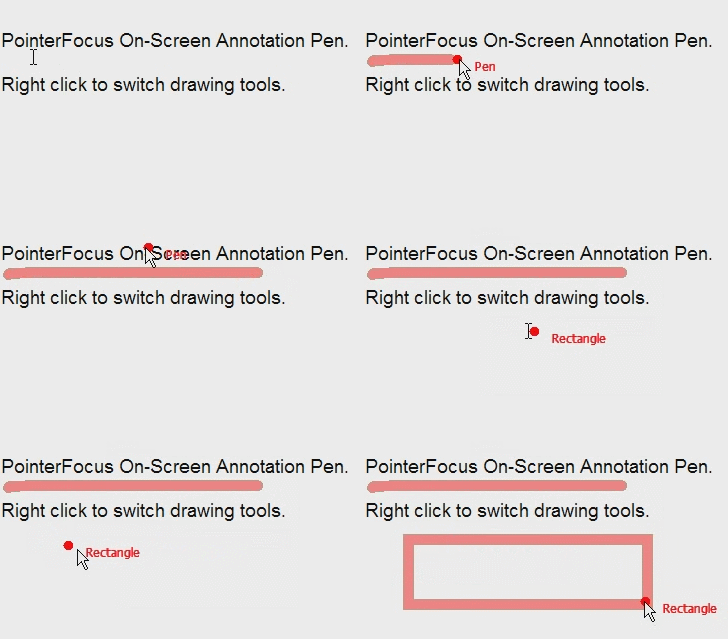
PointerFocus Screen Annotation Pen function can help you:
- Annotate any part on screen
- Write simple notes on screen
- Use hotkey to switch the pen
- Easy to set pen color and width
You can set the pen size, opacity and color in the application's "Options->Pen" dialog.